
How to Test GPU Performance in Your Browser
A practical guide to running a GPU performance test in your browser — no install needed. Learn which tests to use, what FPS, frame time and 1% lows mean, and how to read the results.
Hands-on advice on keyboard testing, fixing stuck or chattering keys, typing faster, and getting the most from your mechanical or laptop keyboard.
A practical guide to running a GPU performance test in your browser — no install needed. Learn which tests to use, what FPS, frame time and 1% lows mean, and how to read the results.
A GPU stress test pushes your graphics card with a sustained heavy load to reveal stability, frame pacing and throttling. Here's what it measures — and what a browser test honestly cannot see.
Run a GPU stress test online in your browser — no download, no install. Learn how WebGL and WebGPU make it possible, how it compares to native apps, and whether it's safe.
Run a GPU benchmark online in your browser to get a repeatable, comparable score under a fixed workload. Learn how a benchmark differs from a stress test, what a score means, and why re-runs vary.
A browser graphics benchmark measures your GPU's real-time rendering performance with no download. Learn which tests exist and what browsers can and cannot measure.

A WebGL performance test uses the browser's graphics API to drive your GPU and measure real rendering throughput online. Here is how WebGL works and what a test reveals.
A shader performance test measures how fast your GPU runs per-pixel math in the browser. Learn what shaders are and how to run and read one accurately.
A volume shader benchmark measures how fast your GPU ray-marches through a 3D volume under a fixed workload. Here is what it is and what its score really means.
A volume shader test renders 3D density with ray marching right in your browser. Here is how the technique works step by step and what the test reveals about your GPU.

A practical guide to running a particle system performance test in your browser — how to scale particle count, read FPS and 1% lows, and tell a smooth result from a stuttering one.
Particle effects look cheap but can be surprisingly heavy. Here's how particle effects affect GPU performance — overdraw, fill rate, blending, and draw calls — and why count and size interact with resolution.
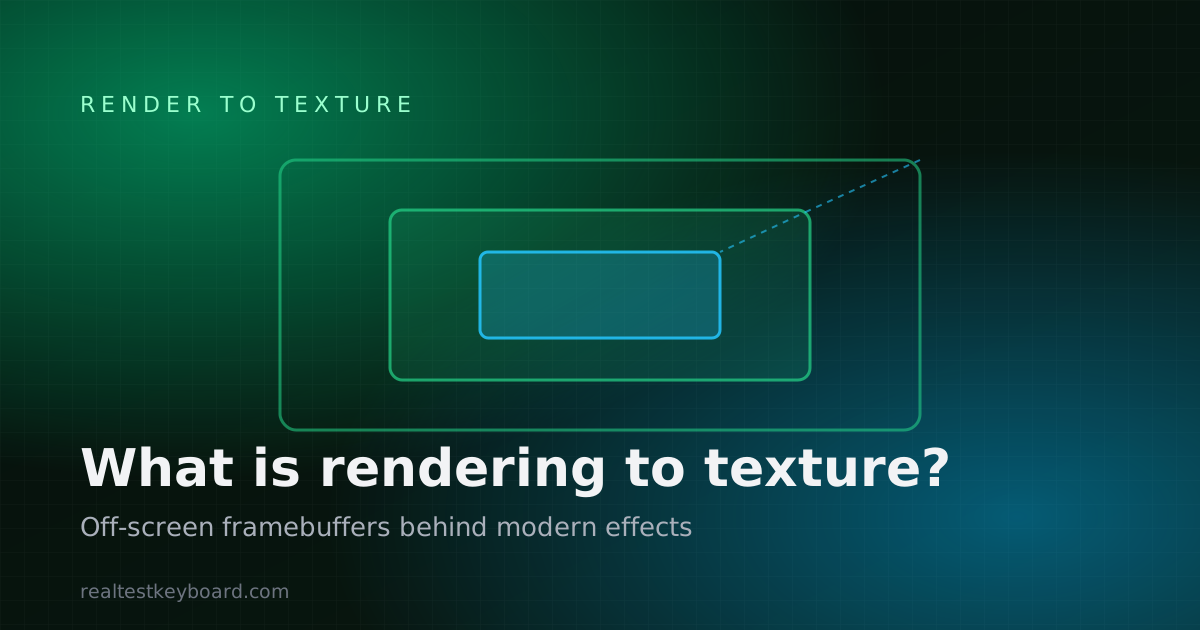
Rendering to texture is the technique behind reflections, shadows, bloom and most modern post-processing. Here's what render-to-texture is, the effects it enables, and why it matters for real-time graphics.
A hands-on guide to running a rendering to texture test in your browser — how it measures off-screen framebuffer throughput, how to read FPS and frame time, and which factors move the result.
Learn how to run a video playback test on your device to measure dropped frames, buffering, and supported resolutions — using the media stats your browser already exposes.

A troubleshooting guide to choppy, stuttering, or laggy video in a browser — the real causes, how to isolate each one, and how an online video performance test confirms the fix.
A practical guide to running a display FPS test online — how a browser measures frames per second, what frame time and 1% lows tell you, and why your refresh rate caps the number.
FPS vs refresh rate explained: why frames per second and a display's refresh rate in Hz are two different numbers, how vsync and tearing connect them, and what each one is measured with.
Learn how to check your monitor's real-time FPS in the browser to confirm the refresh rate you're actually getting — not just the number the box promised.
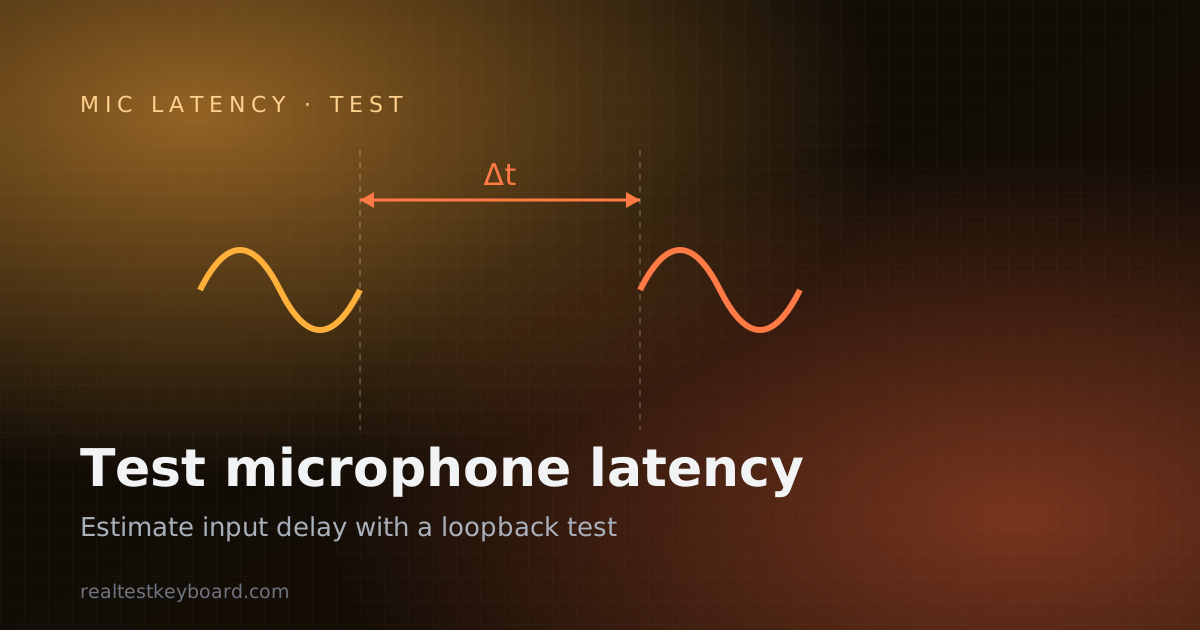
A step-by-step microphone latency test you can run in the browser to estimate the round-trip delay between speaking and hearing yourself — and what makes that delay rise or fall.
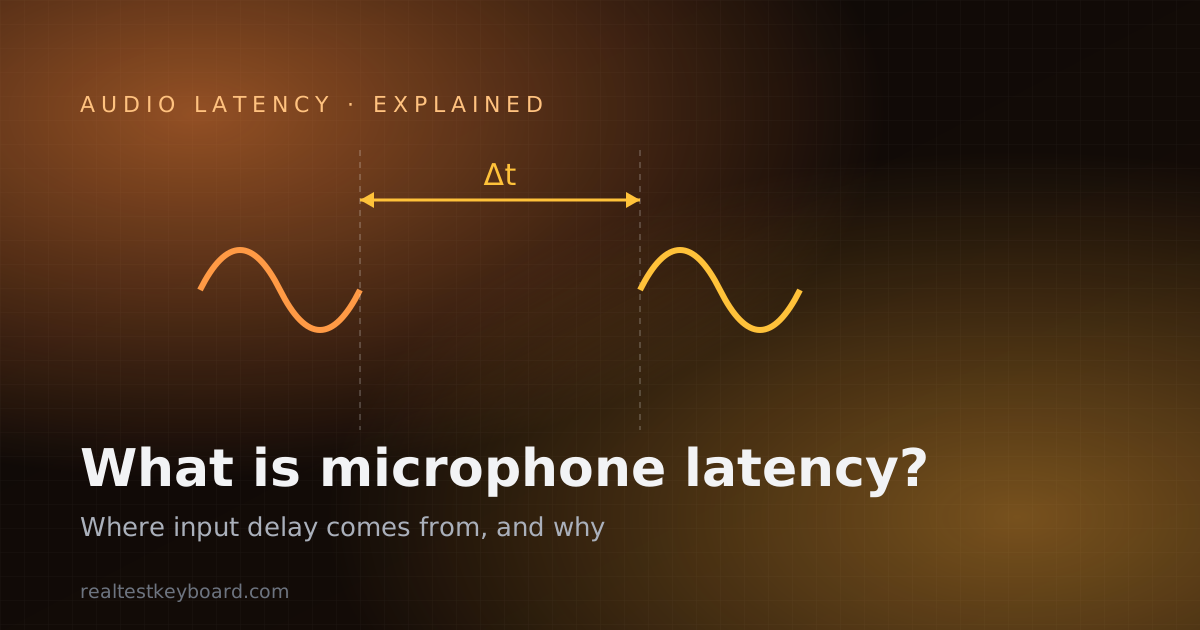
Microphone latency is the delay between speaking and your computer processing the sound. Here's where that delay comes from, and why it matters for singing, gaming, calls, and streaming.
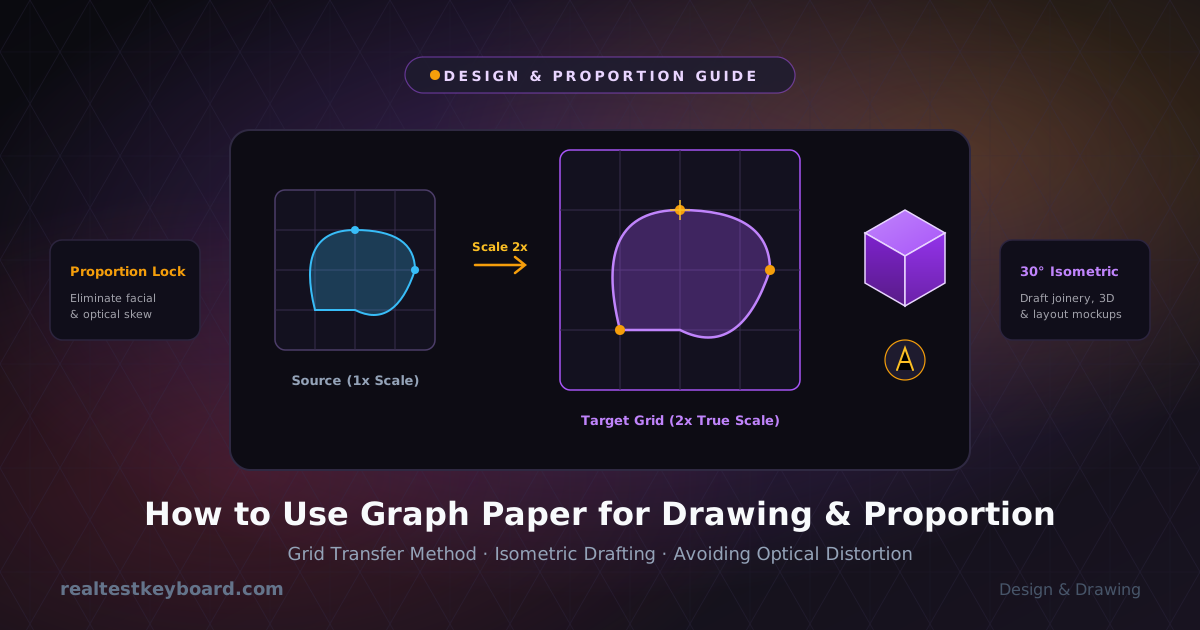
Master proportions, scale sketches accurately, and conquer perspective using graph paper grids for art, architectural layouts, and technical design.
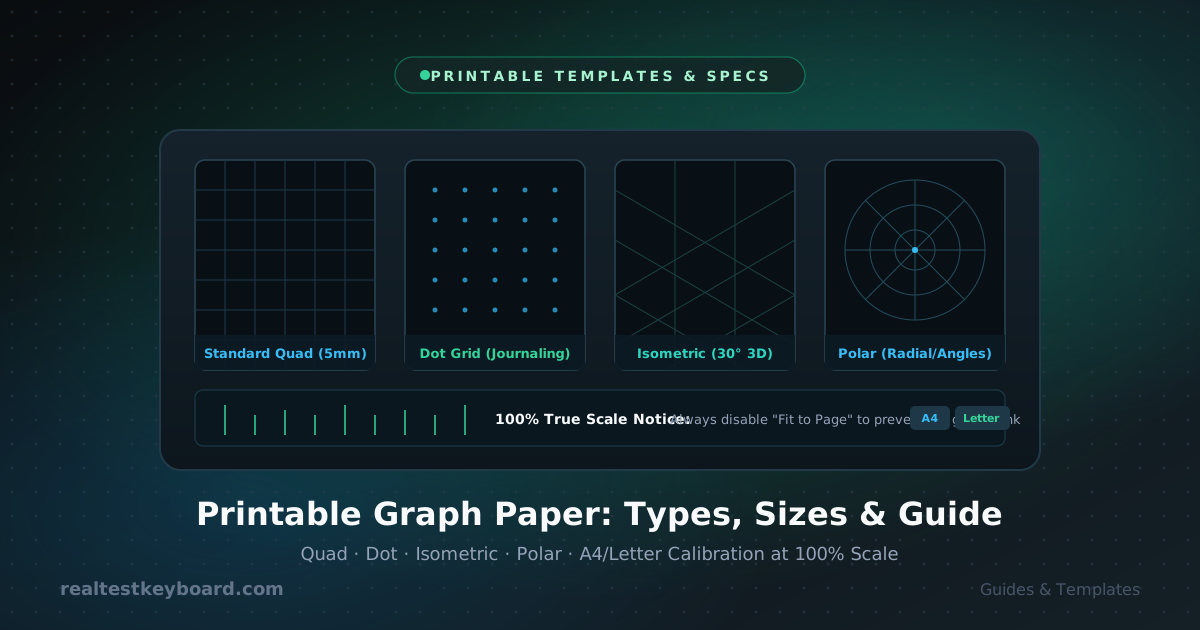
A complete guide to printable graph paper: explore grid styles, understand international paper sizes, and avoid common printer scaling mistakes.
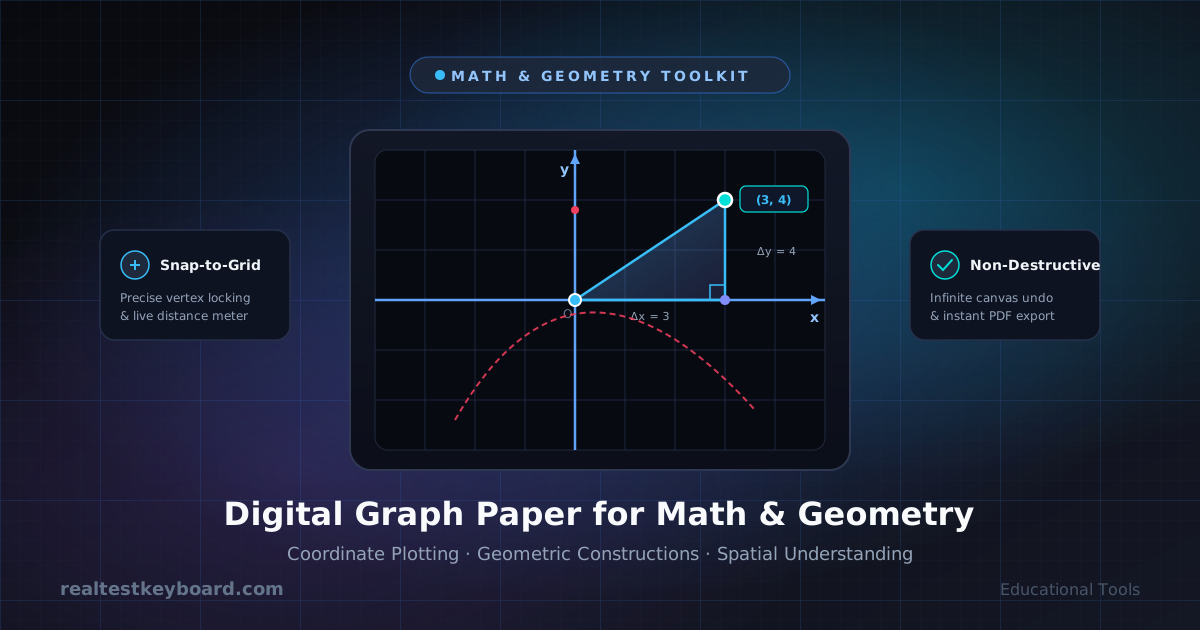
Discover how digital graph paper transforms math and geometry education with interactive coordinate plotting, dynamic measurements, and an unlimited workspace.
Test every keyboard key, check input lag and delay, measure typing speed and practice typing with our free online keyboard tester. Works on laptop, Mac, MacBook and PC. Also includes an Arabic keyboard layout with harakat. No download required.
Pressed three keys at once and had one silently ignored? That's ghosting. Here's what keyboard ghosting and n-key rollover actually mean, when they matter, and how to test your own keyboard.
A keyboard that doesn't respond at all is usually a connection or driver problem, not a dead board. Work through this checklist to get a keyboard your computer won't recognize working again.
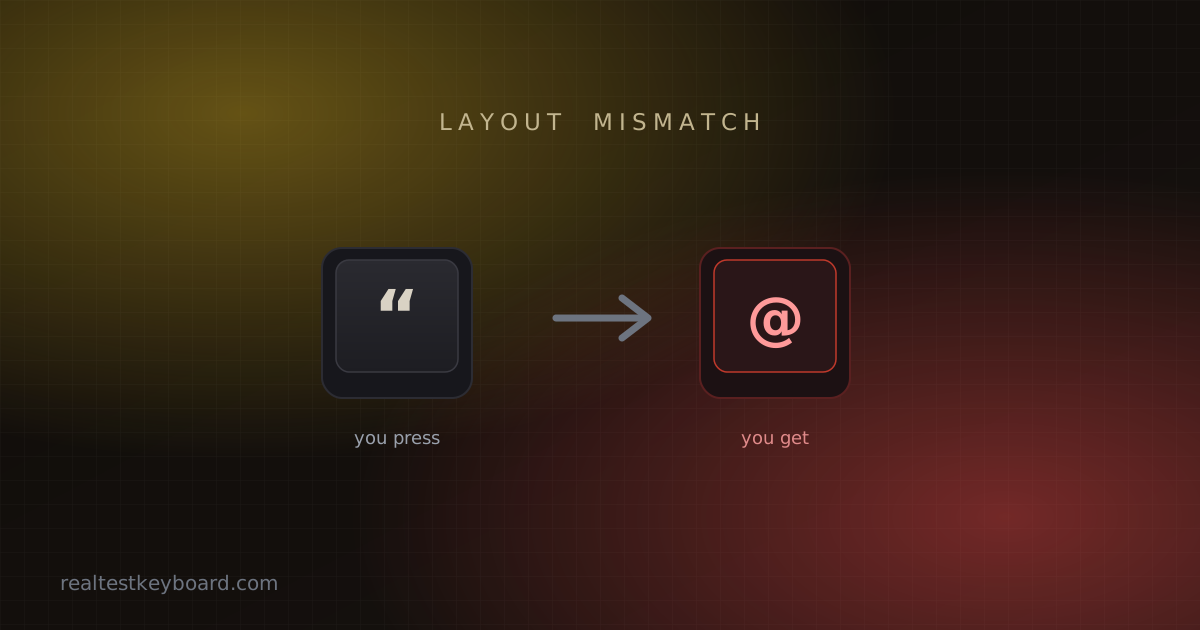
Pressing the quote key and getting @? Numbers turning into symbols? When a keyboard types the wrong characters it's almost never broken hardware. Here's how to find the real cause and fix it.
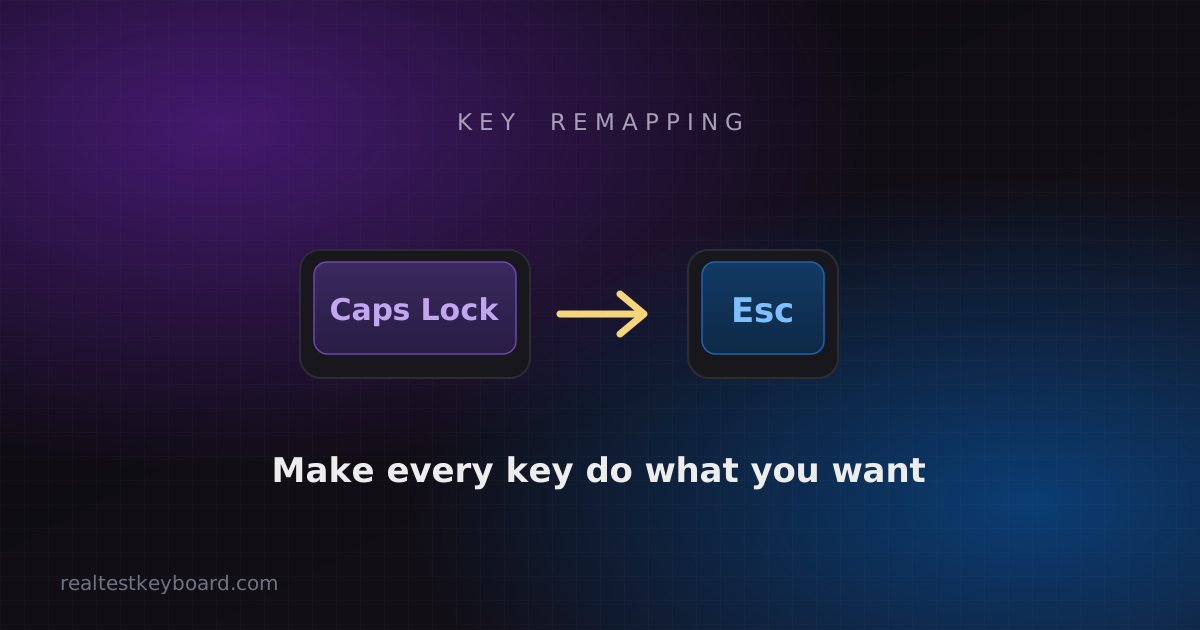
Turn a wasted Caps Lock into something useful, rescue a dead key, or build a layout that fits your hands. A practical guide to remapping keyboard keys on Windows, Mac, and in firmware.
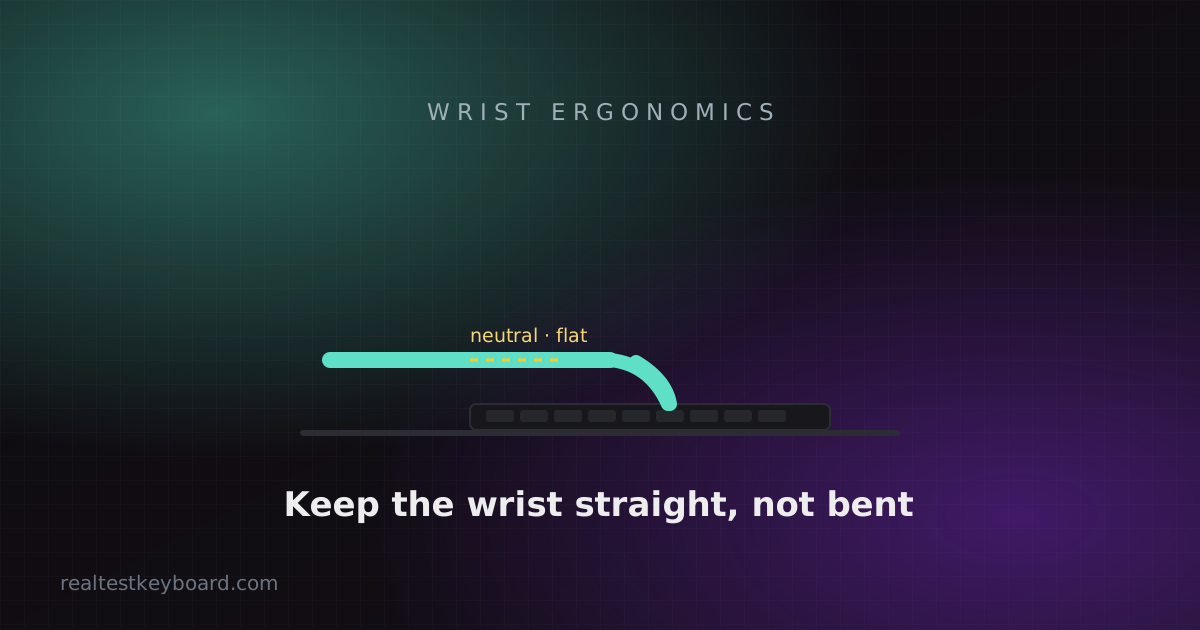
Aching wrists after a long day aren't something to type through. Here's how keyboard height, angle, hand position and switch choice affect strain — and the changes that actually help.
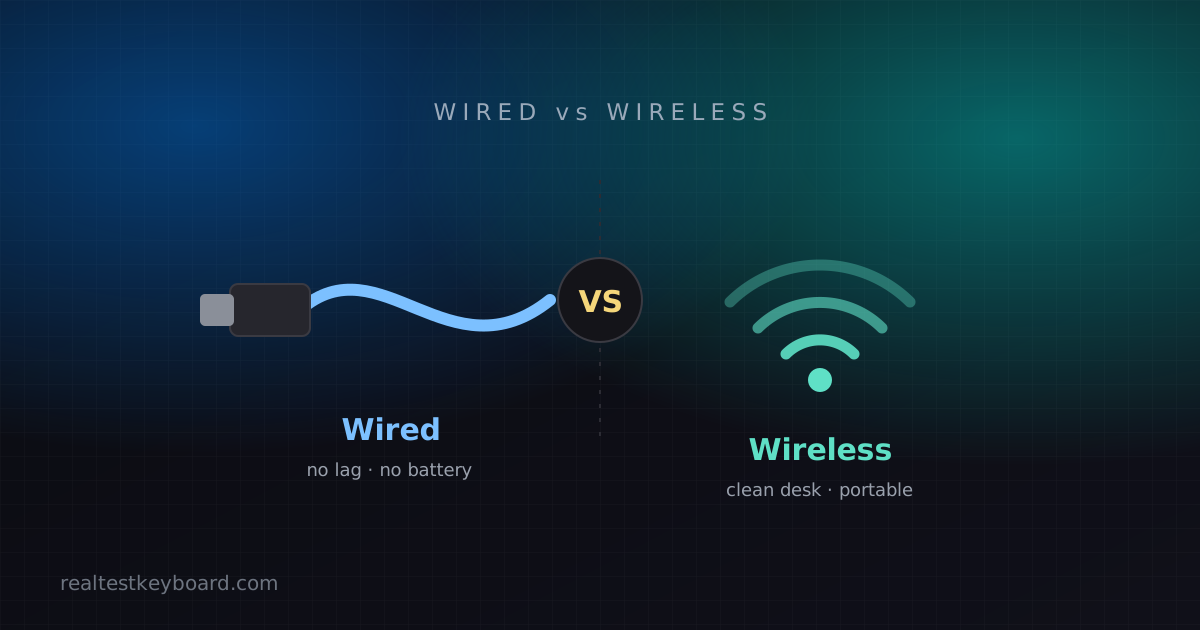
Does wireless still mean lag? Is wired the only serious choice? A clear-eyed comparison of wired vs wireless keyboards on latency, reliability, battery and price, so you can pick the right one.
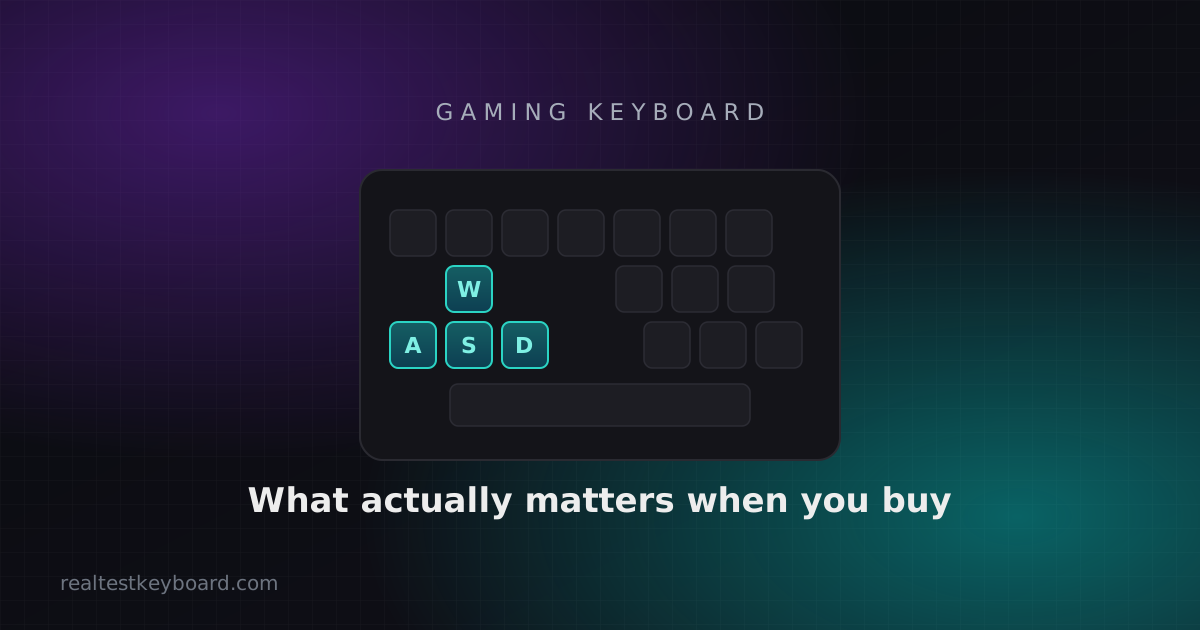
Cut through the RGB and the marketing. Here's what actually matters when buying a gaming keyboard — switches, anti-ghosting, polling rate, size and build — and what you can safely ignore.
Learn how to test your keyboard in minutes and spot faulty keys — dead, sticky, chattering or ghosting. A clear, beginner-friendly guide to a full keyboard test.
Dust and crumbs are the number one cause of stuck and chattering keys. Here's how to clean a mechanical, membrane or laptop keyboard safely — from a quick weekly tidy to a full deep clean.
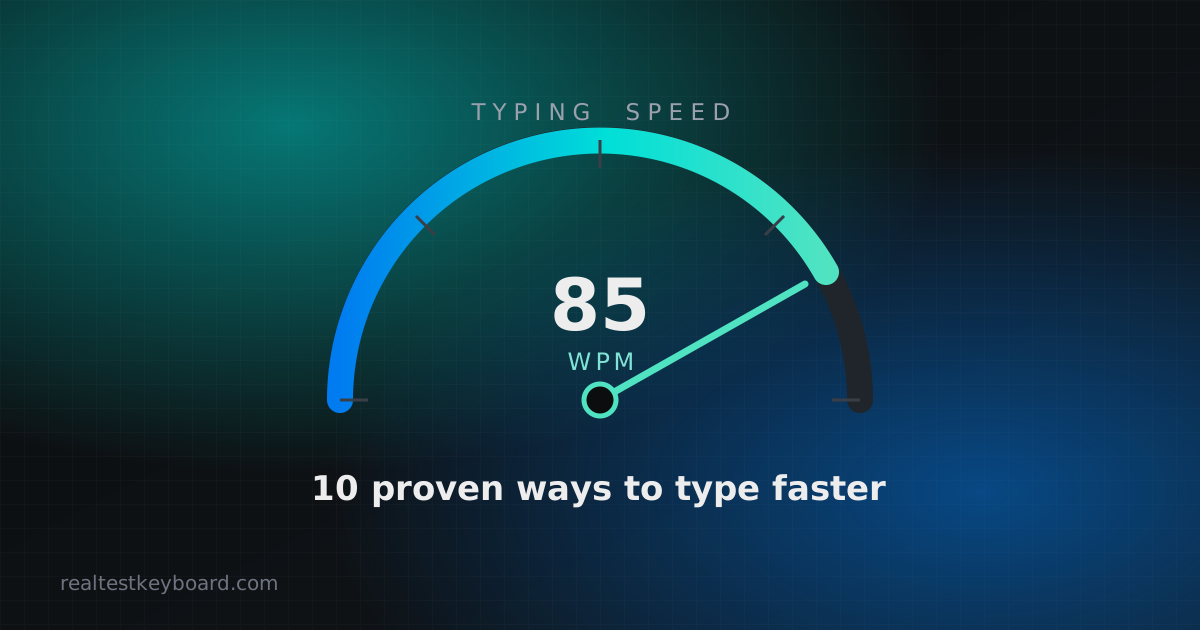
Want to improve your typing speed? These 10 proven, practical tips help you type faster and more accurately — from touch typing and posture to smart daily practice.
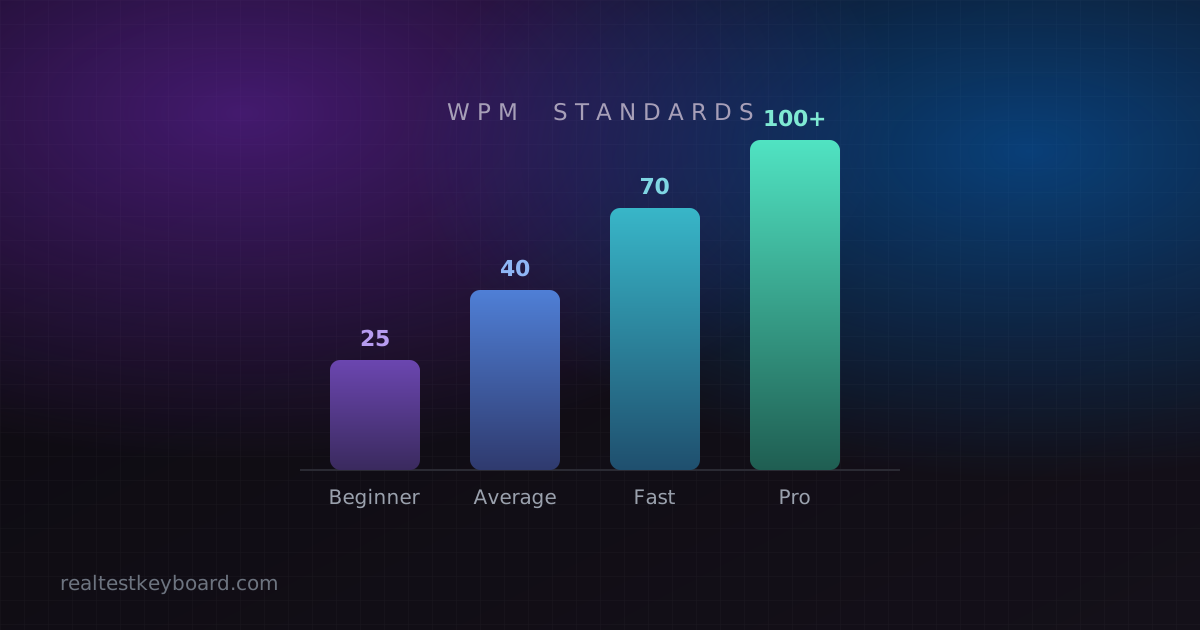
What is a good typing speed? Here are the WPM standards — from average to professional — what each level means, and how your words-per-minute compares.
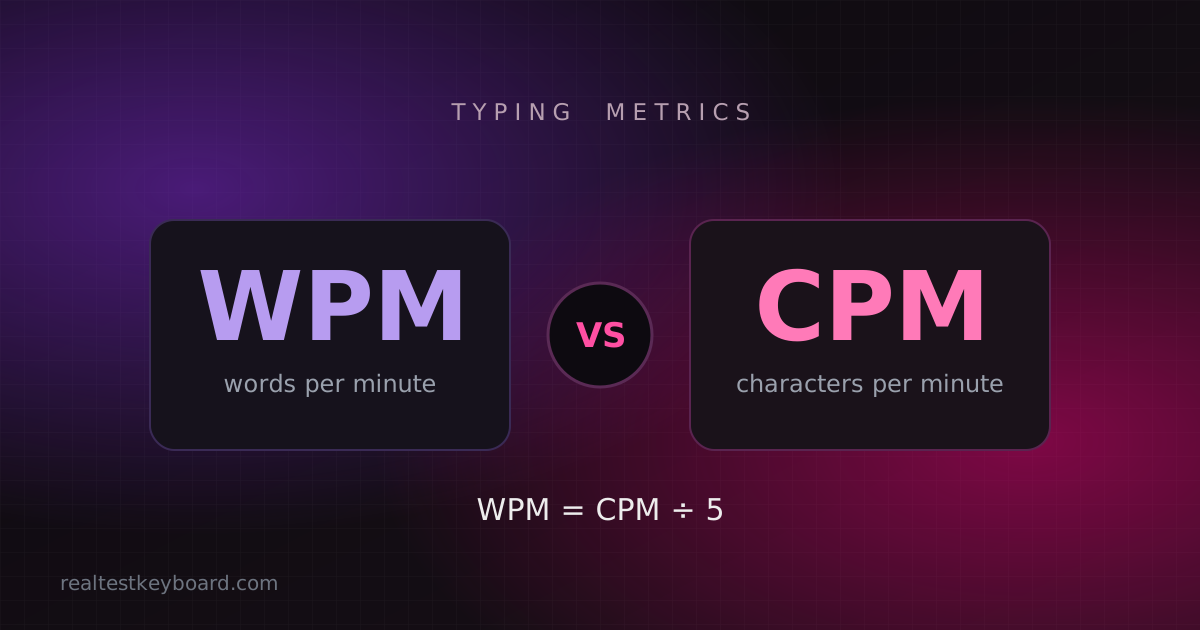
WPM vs CPM — what's the real difference between words per minute and characters per minute, how to convert between them, and which metric you should actually track.
Not sure if your laptop keyboard is working properly? Learn how to test every key, tell software faults from hardware ones, and fix the most common laptop keyboard problems.
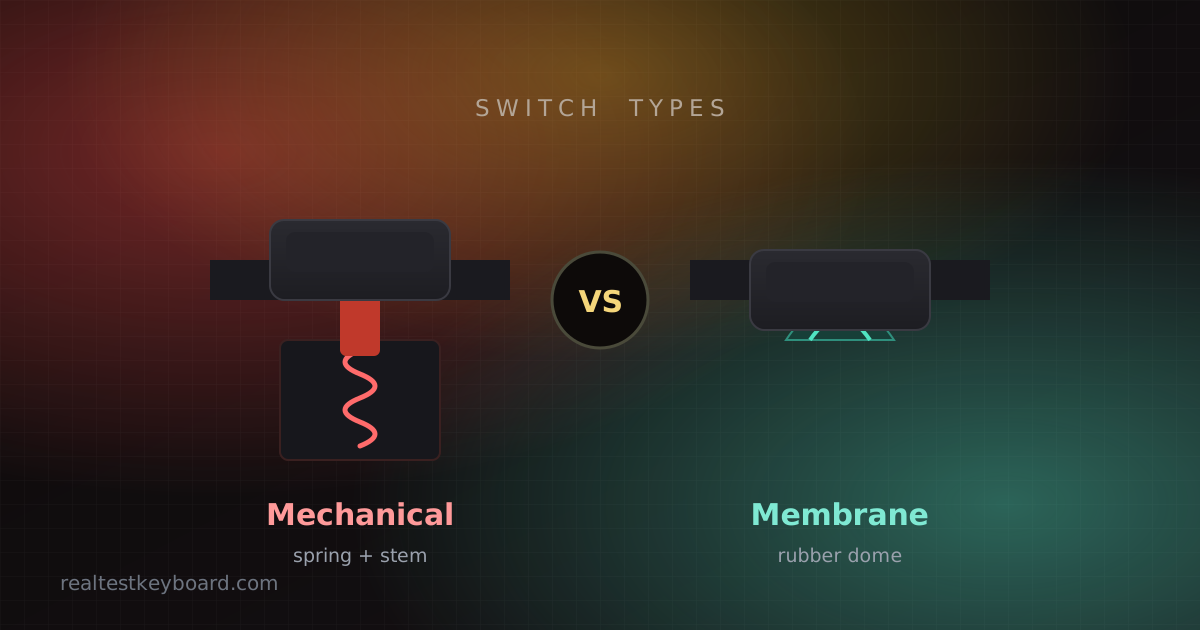
Mechanical vs membrane keyboard — how each one works, and how they compare on typing feel, speed, noise, durability, price and upkeep, so you can pick the better keyboard for typing.
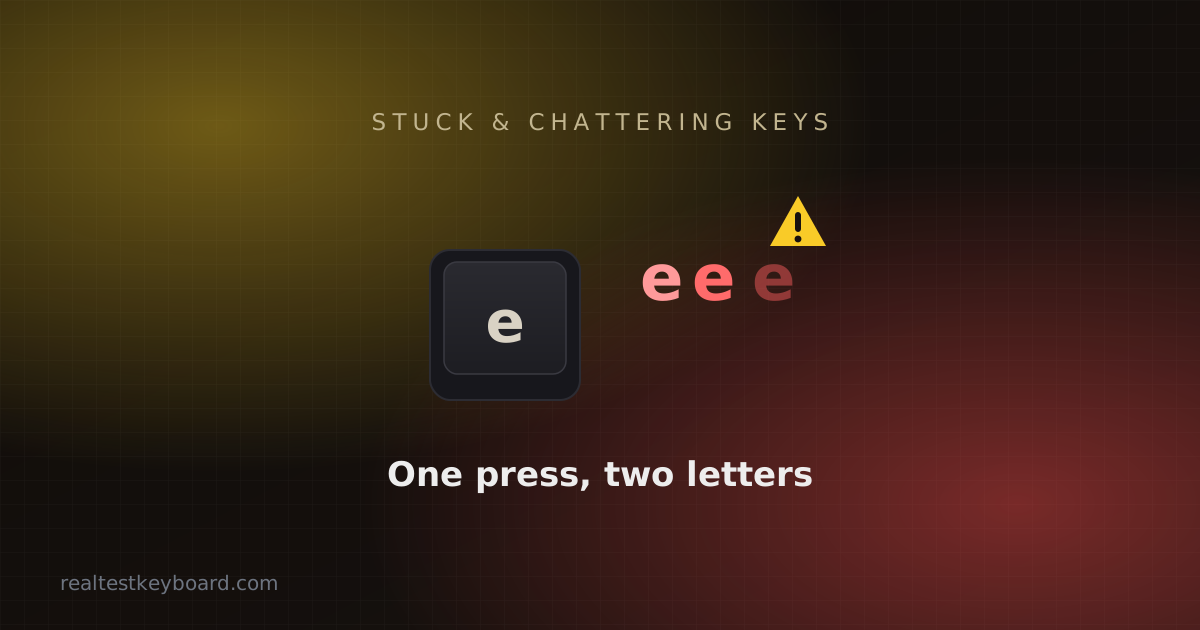
A key that sticks, repeats, or double-fires is usually fixable at home. Here's how to diagnose the cause, understand why it happens, and repair it without replacing the whole keyboard.
Reaching for the mouse is quietly slowing you down. Learn the essential keyboard shortcuts for Windows and Mac worth drilling into muscle memory — and how to make them stick.
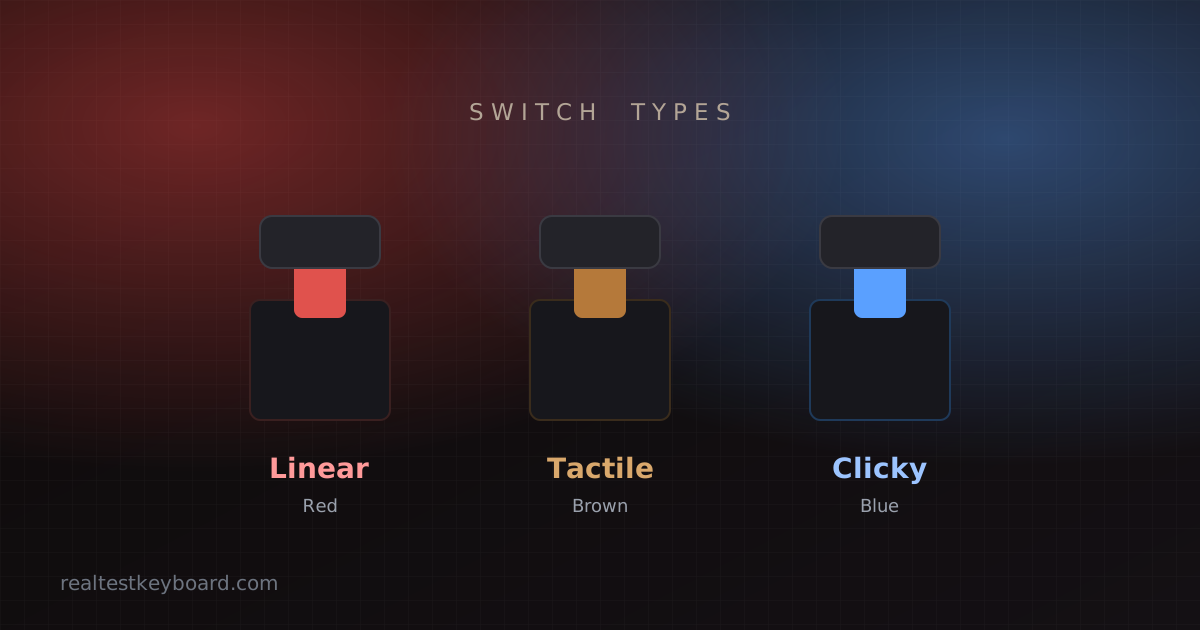
Linear, tactile, or clicky? Understand how mechanical keyboard switches work, what the colors and gram weights mean, and how to choose the right switch for typing or gaming.
Buying a used or refurbished laptop? Here's a quick, thorough keyboard check that catches dead keys, chatter and sticky switches before your money changes hands.
We couldn't find any articles matching your search query or selected category filter.
Run a full in-browser keyboard test in seconds — check every key, spot chatter and dead keys, and measure your typing. No download, 100% free.