Table of Contents
Microphone latency is the short delay between a sound reaching your microphone and your computer actually being able to use it — play it back, record it, or send it down a call. It’s never truly zero, because sound has to be captured, digitised, buffered, and passed through several software layers before anything can happen to it. Usually that delay is small enough to ignore. But in the moments where timing is everything — singing along to a track, hearing your own voice in headphones, reacting in a voice chat — even a modest lag becomes obvious and distracting. Understanding where the delay comes from is the key to knowing when it matters and how to cut it down.
Latency, in one clear picture
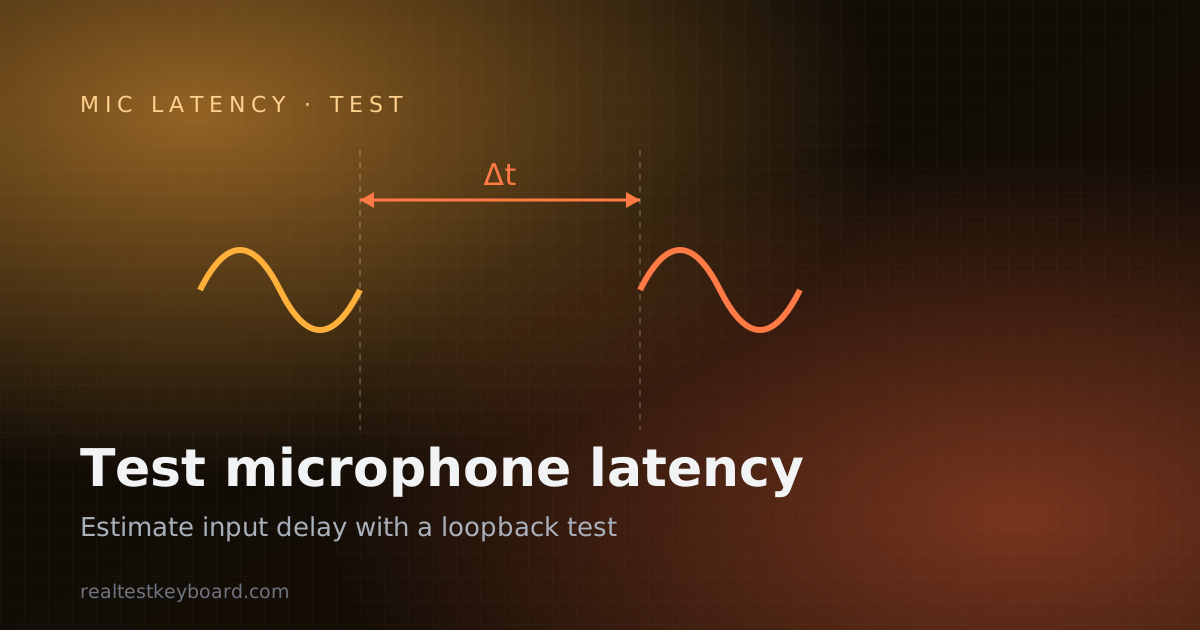
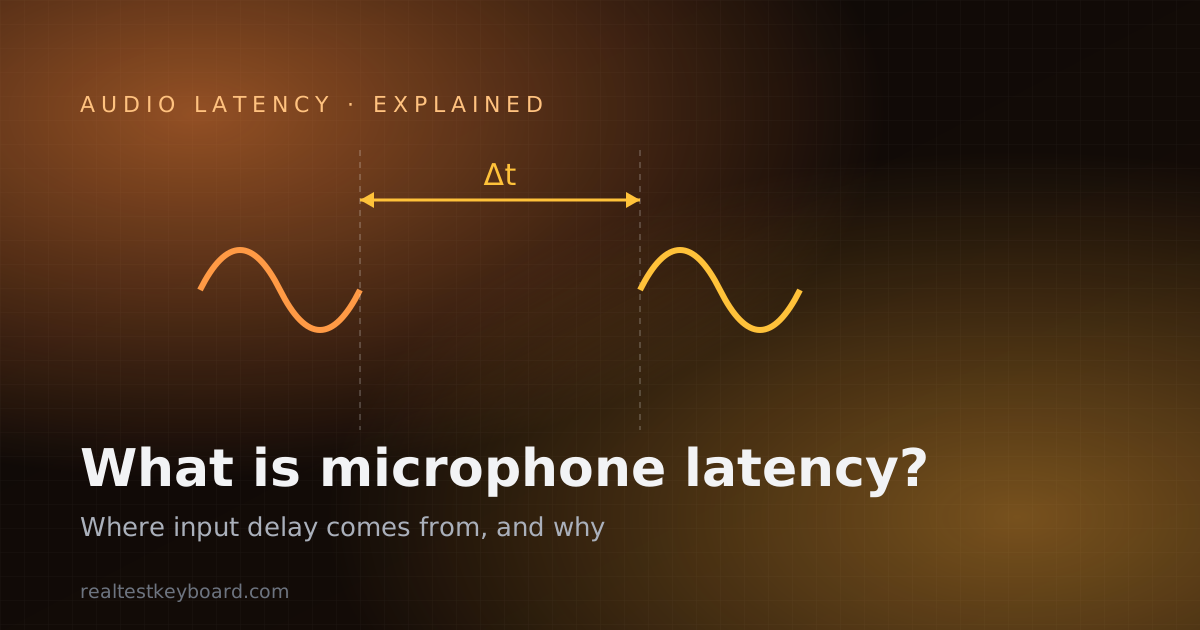
Imagine clapping into a microphone and, a fraction of a second later, hearing that clap come out of your headphones. That gap is latency. It’s often described as round-trip latency (the full loop: in through the mic, out through the speakers) or input latency (just the mic-to-application half). Neither is a flaw in your gear so much as the physics-and-software reality of digital audio: the signal is handled in stages, and every stage takes a little time.
What makes latency confusing is that it’s cumulative. No single component is “the” cause. Instead, a handful of small delays stack on top of each other, and the total is what you feel. To reason about it, you have to look at the whole chain rather than blame one part.
Where the delay comes from
Trace a sound from the room to your ears and you can see each place time gets added.
The capture buffer
Computers don’t process audio one sample at a time — that would be wildly inefficient. Instead they collect a small block of samples, then hand the whole block over at once. This block is the buffer, and it’s usually the single largest contributor to latency you can control. A bigger buffer waits for more samples before releasing them, which adds delay but gives the system breathing room so audio doesn’t glitch. A smaller buffer releases sound sooner — lower latency — but demands more from the CPU, and if the processor can’t keep up you get dropouts and crackles. Nearly every “lower my latency” adjustment in recording software is, at heart, a buffer-size decision.
The operating system audio stack
Once the buffer hands off audio, it travels through the OS’s mixing and driver layers before an application sees it. Every platform has one, and each adds its own small delay. This is why dedicated low-latency driver models exist — they provide a shorter, more direct route to the hardware. Anything running on top of the OS, including your browser, inherits whatever floor the system’s audio path sets.
The Bluetooth codec
Wireless audio is a major, and often surprising, source of delay. A Bluetooth microphone or headset has to encode the audio, transmit it over the air, and decode it on the other end. That encode-transmit-decode cycle takes real time, and how much depends on the codec the two devices agree to use — some are built for low latency, others prioritise quality or reliability. Wired connections skip this stage entirely, which is why they consistently feel snappier. If your setup feels laggy, a wireless link is the first thing to suspect.
The monitoring path
“Monitoring” means hearing yourself while you record or talk. There are two ways to do it, and they behave very differently. Software monitoring routes your voice through the computer and back out, so it carries the full input-plus-output latency — and that’s exactly the path where delay is most noticeable, because you’re hearing yourself late against the sound you’re physically making. Hardware (direct) monitoring splits the signal at the audio interface and sends it straight to your headphones with essentially no delay, while a separate copy still goes to the computer for recording. Choosing hardware monitoring is often the simplest cure for a distracting echo.
Why it matters (and when it doesn’t)
Latency only becomes a problem when something depends on tight timing. The same delay can be a dealbreaker in one situation and completely invisible in another.
- Singing and playing to a track. This is the least forgiving case. If you monitor through software, you hear your own voice late against the backing music, which throws off your pitch and timing. Musicians are acutely sensitive here.
- Live monitoring and podcasting. Hearing yourself in headphones with a lag creates an off-putting echo, like a bad phone connection to your own voice. Small delays that wouldn’t matter for a recording become fatiguing when you hear them live.
- Gaming and voice chat. Latency affects how in-sync you feel with teammates and with game audio. It’s less punishing than live music monitoring, but high delay still makes conversation feel sluggish and can undercut fast coordination.
- Streaming. Streamers juggle mic, game, and sometimes video, and latency can push these out of alignment — your voice arriving after the action it’s reacting to. Getting the audio path tight keeps everything feeling connected.
- Plain recording and voice messages. Here latency barely matters. If you’re not monitoring live and the timing is fixed in editing, a delay in capture has no audible consequence.
The rule of thumb: the more you need to react to, or perform against, sound as it happens, the more latency hurts. Asynchronous uses — record now, listen later — are largely immune.
Acceptable versus noticeable
There’s no universal threshold, and it’s honest to say so rather than quote a magic number. Sensitivity depends on the person, the task, and even the type of sound — a sharp percussive noise reveals delay more readily than a slow, sustained one. The useful framing is directional: as latency falls, at some point it drops below what you can perceive and effectively becomes “instant” for that task; as it climbs, it crosses from “I can just about feel it” to “this is unusable.” Musicians notice the crossover earliest; casual callers tolerate the most.
Because the perceived amount is a stack of buffer, OS, wireless, and monitoring delays, the way to lower it is to attack the biggest contributors first: prefer wired over Bluetooth, use hardware monitoring where you can, and reduce buffer size only as far as your CPU stays stable.
Measuring it versus explaining it
Knowing the causes is one half; putting a number on your own setup is the other. A browser can estimate your round-trip delay by timing an audio loopback — sending a signal out and detecting when it returns — which is a genuine measurement, though an estimated one that includes the browser’s own buffering rather than a microsecond-exact hardware figure. This is a familiar pattern for in-browser diagnostics: just as a GPU stress test reports what the browser can genuinely observe about frame timing while being honest about what it can’t read directly from the hardware, an audio test reports a trustworthy estimate rather than pretending to a precision it doesn’t have. When you’re ready to put a figure on your own delay, the practical walkthrough in how to test microphone latency online covers running a loopback and reading the result.
Before measuring latency it’s worth confirming the microphone works at all — a quick microphone test shows a live input level so you know the device is capturing before you start timing it. And if your real concern is audio drifting behind video during playback rather than input delay, the browser video performance guide tackles that side of sync.
Frequently asked questions
What causes microphone latency?
It’s the sum of several delays: the capture buffer that collects samples before releasing them, the operating system’s audio driver and mixing layers, any Bluetooth encode-transmit-decode cycle if you’re wireless, and the monitoring path if you’re hearing yourself back through software. No single part is to blame — the total is what you experience.
Is some microphone latency normal?
Yes. Digital audio is always processed in buffered blocks and passed through software layers, so a small delay is unavoidable and completely normal. The goal isn’t zero latency — it’s keeping the delay below what you can notice for whatever you’re doing.
Why does my Bluetooth mic feel laggier than a wired one?
Because wireless audio must be encoded, transmitted over the air, and decoded, and that process takes real time on top of everything else. A wired mic skips that entirely. The exact wireless delay depends on the codec your devices negotiate, but it’s essentially always higher than a cable.
How can I reduce microphone latency?
Attack the biggest contributors first. Switch from Bluetooth to a wired connection, use your interface’s hardware (direct) monitoring so you hear yourself without the software round-trip, and lower your audio buffer size as far as your computer can go without glitching. Closing heavy background apps helps too, since a busy CPU forces larger safety buffers.
Does microphone latency matter for recording podcasts or voice messages?
Not much, as long as you’re not monitoring live. If you record and edit afterwards, the capture delay is fixed in the final file and no one hears it. Latency only becomes a real problem when you need to react to or perform against sound in real time.
Latency is simply the price digital audio pays for being processed rather than passed straight through — and once you know it lives in buffers, the OS stack, wireless links, and the monitoring path, it stops being mysterious and starts being fixable. When you want to see where your own setup lands, run the microphone latency test and use the estimate to guide which link in the chain to tighten first.
Test every key directly in your browser
Detect stuck keys, key chatter, input latency, and full rollover with our instant, zero-download diagnostic tool.
Start Keyboard Test →