Table of Contents
Faster typing saves time on everything you do at a computer — emails, essays, code and chat. The best part is that typing speed is a trainable skill, not a talent you’re born with. With the right technique and a little consistent practice, almost anyone can improve their typing speed noticeably within a few weeks. Here are ten proven tips that actually move the needle, plus a simple routine to put them into practice.
First, understand what makes you faster
Raw finger speed isn’t the goal — clean, consistent keystrokes are. Fast typists aren’t hammering keys frantically; they’ve built muscle memory so their fingers know where each key is without conscious thought. That’s why accuracy comes first: every typo you fix costs you far more time than the keystroke saved. Improve accuracy and smoothness, and speed follows naturally.
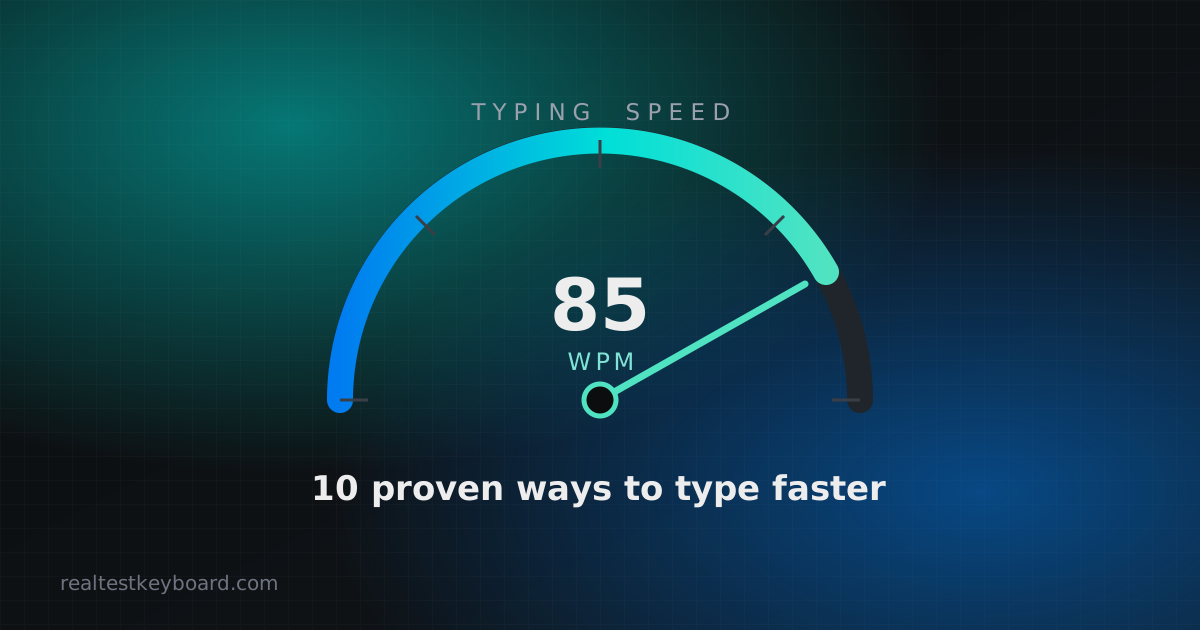
Before you start, get a baseline. Take a quick typing speed test and note your words per minute (WPM) and accuracy. You’ll repeat it later to measure progress.
10 proven tips to type faster
- Learn touch typing. The single biggest upgrade is typing without looking at the keyboard. It frees your eyes for the screen and builds the muscle memory fast typists rely on.
- Use the home row. Rest your fingers on A S D F and J K L ; with your thumbs on the space bar. Return to this position after every reach. The small bumps on F and J help you find it without looking.
- Assign the right finger to each key. Each finger owns a column of keys. Sticking to correct fingering feels slow at first but removes wasted hand movement later.
- Prioritise accuracy over speed. Aim for 95%+ accuracy before pushing pace. Slow down until errors drop, then let speed build on top of a clean base.
- Stop looking at your hands. If you must, cover them or dim the keys. This forces your fingers to learn positions instead of leaning on your eyes.
- Fix your posture. Sit upright, wrists floating (not resting hard on the desk), elbows near 90 degrees, screen at eye level. Good posture keeps you comfortable and reduces strain over long sessions.
- Learn keyboard shortcuts. Every time you reach for the mouse you break your flow. Shortcuts for copy, paste, undo and switching apps keep your hands home — see our list of essential keyboard shortcuts.
- Type real sentences, not just drills. Practise with actual words and punctuation so you train the rhythm you use in daily work, including capitals and symbols.
- Build rhythm, not bursts. A steady, even pace beats fast-then-stall. Consistent timing between keystrokes is what raises your average WPM.
- Practise a little, often. Ten focused minutes a day beats one long weekly session. Short, regular practice is how muscle memory sticks.
A simple practice routine
You don’t need a complicated plan. Try this five-day-a-week routine:
- Warm up (2 minutes): type the alphabet and a few common words slowly and perfectly.
- Accuracy set (5 minutes): type a paragraph aiming for zero mistakes, even if it feels slow.
- Speed set (5 minutes): take a timed typing test and push your pace, accepting a few more errors.
- Cool down (3 minutes): retype the words you missed most until they feel automatic.
Fifteen minutes is enough. Track your WPM once a week rather than every day — progress is clearer over weeks than hours.
Common mistakes that hold people back
- Chasing speed too early. Building speed on sloppy technique locks in bad habits that are hard to unlearn.
- Practising only drills. Pure key drills don’t prepare you for punctuation, numbers and capitalisation.
- Ignoring the keyboard itself. A chattering or sticky key silently wrecks your accuracy. If your score suddenly drops, run a quick keyboard test to rule out a hardware fault before blaming yourself.
- Tensing up. Tight shoulders and stiff wrists slow you down and cause fatigue. Stay relaxed.
Helpful extras
Once the basics feel natural, a few habits compound your gains. Read ahead of
what you’re typing so your fingers always have the next word queued. Practise the
symbols and numbers you actually use — many typists are quick on letters but slow
on @, # or the number row. And be patient: plateaus are normal, and pushing
through them is where lasting improvement happens.
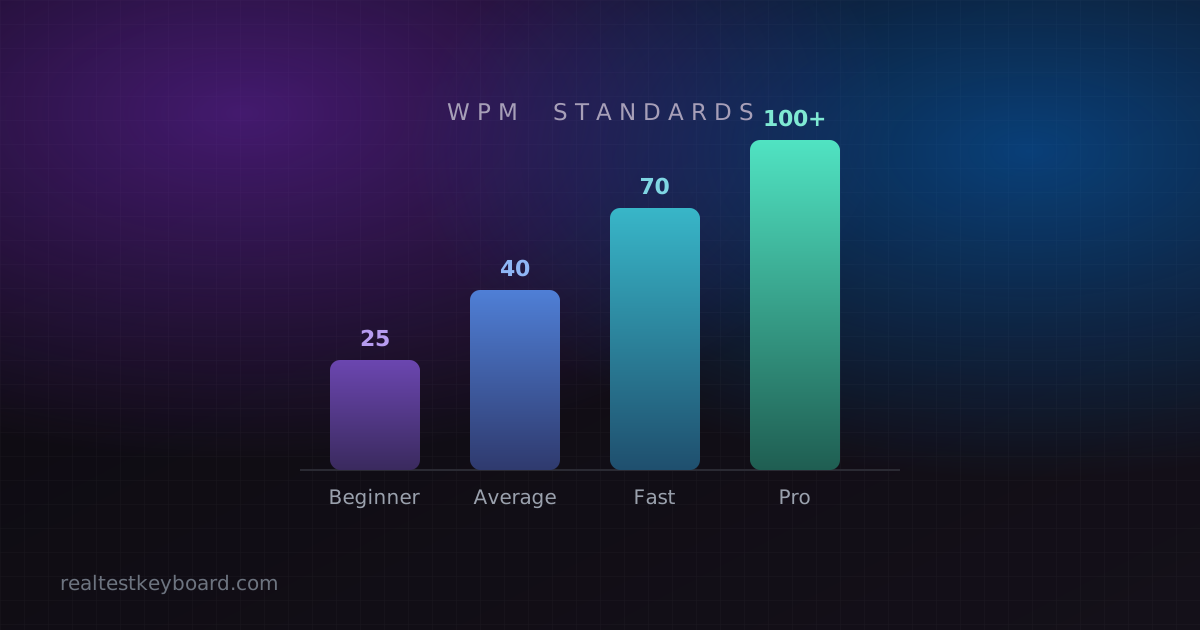
If you’re wondering what to aim for, our guide to what counts as a good typing speed breaks down realistic targets by skill level.
Conclusion
Improving your typing speed comes down to good technique and consistent, focused practice. Learn to touch type, keep your fingers on the home row, put accuracy first, and practise a little every day. Retest yourself weekly with a typing speed test, and you’ll watch your WPM climb — steadily, and for good.
Test every key directly in your browser
Detect stuck keys, key chatter, input latency, and full rollover with our instant, zero-download diagnostic tool.
Start Keyboard Test →