Table of Contents
Take a typing test on two different websites and you may get two completely different scores — one reports 65, the other reports 325. Nothing is broken: one is measuring WPM and the other CPM. Understanding WPM vs CPM makes those numbers click into place, and it helps you pick the metric that actually reflects the kind of typing you do. This guide breaks down the difference, shows how to convert between them, and explains which one to use.
What WPM and CPM actually measure
Both metrics describe how fast you type, but they count different things.
WPM (words per minute)
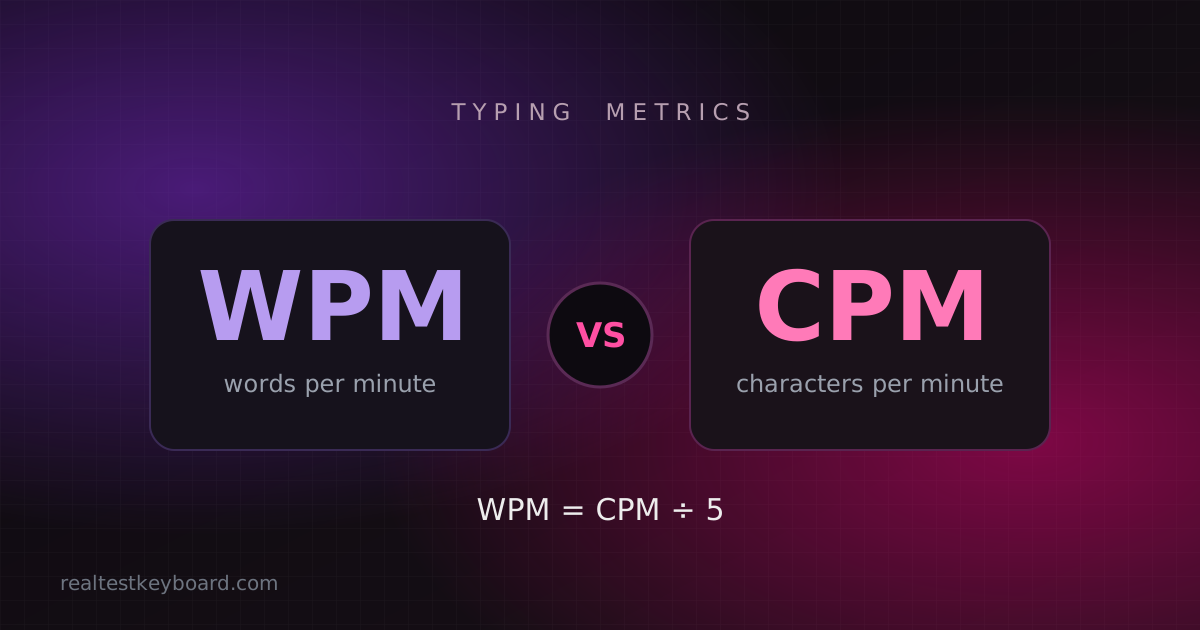
WPM stands for words per minute. Here’s the catch that surprises most people: typing tests don’t count real words, because real words vary in length. Instead, every five characters — letters, spaces and punctuation included — count as one standardised “word.” So a 60 WPM score means you produced 300 characters of correct text in a minute, regardless of how long the individual words were.
CPM (characters per minute)
CPM stands for characters per minute, and it’s exactly what it sounds like: the raw number of characters you type in a minute, with no division. Type those same 300 characters and your CPM is simply 300. Because it skips the five-character grouping, CPM is a more granular, direct measure of keystroke output.
The real difference between WPM and CPM
The difference between WPM and CPM comes down to a single step of maths. WPM takes your character count and divides it by five; CPM leaves it alone. That’s why a CPM figure always looks about five times bigger than the matching WPM, even though both describe the same performance.
The relationship is easy to remember:
- WPM = CPM ÷ 5
- CPM = WPM × 5
A quick conversion guide
Use these reference points to translate between the two at a glance:
- 30 WPM ≈ 150 CPM
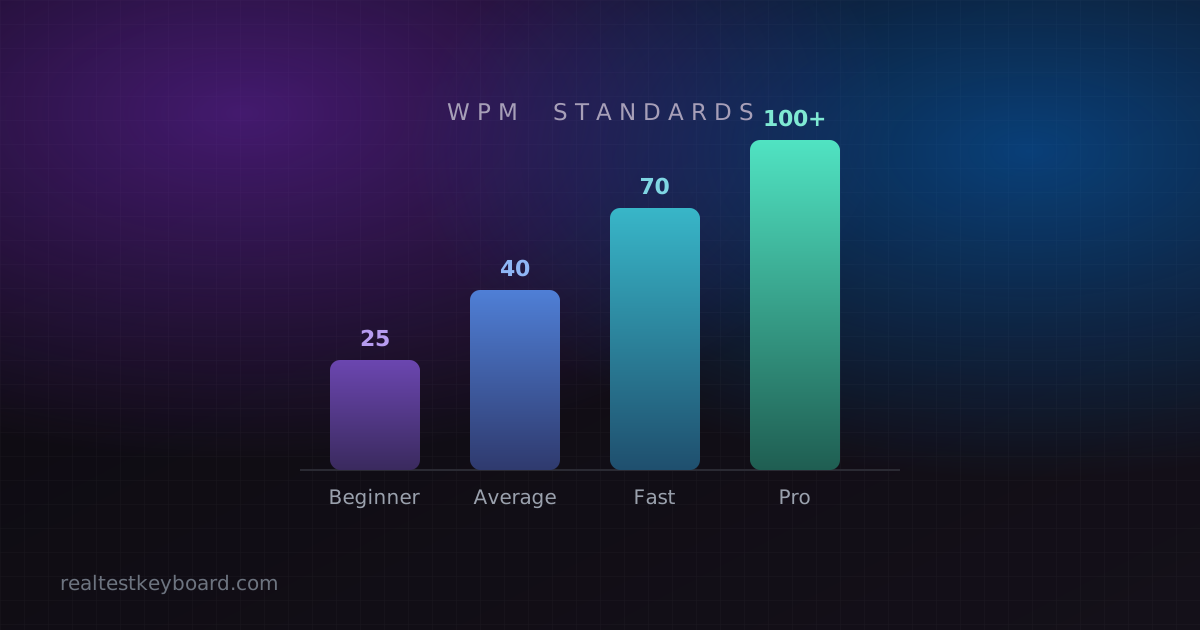
- 40 WPM ≈ 200 CPM (around the average typing speed)
- 60 WPM ≈ 300 CPM
- 80 WPM ≈ 400 CPM
- 100 WPM ≈ 500 CPM
If you want to see both numbers for your own typing, run a quick typing speed test and multiply or divide by five to get the other figure.
WPM vs CPM: which one should you use?
Neither metric is “better” — they suit different situations. Pick based on what you’re measuring and why.
Use WPM when…
- You’re comparing everyday English typing. WPM is the near-universal standard for job applications, transcription roles, school typing programs and general speed benchmarks.
- You want a number you can compare against published standards. Almost every “good typing speed” chart is written in WPM, so it’s easy to see where you stand.
- You’re tracking long-term progress on prose, essays, emails or chat.
Use CPM when…
- You do data entry or numeric “10-key” work, where every single keystroke matters and precision is the point.
- You type a character-based language such as Chinese or Japanese, where one character can represent a whole word yet takes several keystrokes to input. CPM captures that effort far more fairly than WPM.
- You want a finer-grained view of short bursts, where dividing by five would round away meaningful detail.
Real-world examples
A few scenarios show how the choice plays out:
- A job posting asks for “50 WPM minimum.” Report WPM. That’s the shared language recruiters use, and quoting CPM would only cause confusion.
- You’re practising the number row for spreadsheet work. CPM is the honest measure — you care about accurate individual keystrokes, not five-character “words.”
- You’re comparing your speed with a friend. Make sure you’re both using the same metric first. A “325” and a “65” can be identical performances measured two different ways.
Why accuracy matters more than either number
Whichever metric you choose, raw speed means little without accuracy. A good test reports a net score — your speed after mistakes are subtracted — because every error you go back to fix costs more time than the keystroke you saved. A steady 60 WPM at 98% accuracy beats a frantic 80 WPM at 85% once you account for all the corrections.
It’s also worth ruling out your hardware if a score looks oddly low. A key that double-fires or fails to register will quietly wreck both your WPM and your CPM, so run a quick keyboard test before blaming your fingers.
Common questions and mistakes
- “CPM makes me look faster, so it’s the better score.” It only looks bigger because it counts each keystroke. It describes the same typing, not faster typing.
- Comparing a WPM result to a CPM result. Always convert to the same unit first, or you’ll draw the wrong conclusion.
- Ignoring accuracy entirely. Both metrics reward correct characters only, so sloppy speed is self-defeating.
Conclusion
WPM vs CPM isn’t a contest — they’re two views of the same skill. WPM (your character count divided by five) is the standard for everyday English typing and the number to quote almost everywhere. CPM (raw characters per minute) shines for data entry, precision work and character-based languages. Learn the simple conversion, keep your accuracy high, and use whichever fits your task. Ready to see your own numbers? Take a typing speed test, then check what counts as a good typing speed and pick up ten tips to type faster.
Test every key directly in your browser
Detect stuck keys, key chatter, input latency, and full rollover with our instant, zero-download diagnostic tool.
Start Keyboard Test →