Table of Contents
You’re mid-fight in a game. You’re holding forward and left to strafe around a corner, you tap the key to jump — and nothing happens. Your character keeps running straight into the wall. You didn’t fumble the input; your keyboard simply refused to report that third key while the first two were held. That’s ghosting, and once you know it’s a thing, you start noticing it everywhere.
What ghosting actually is
Keyboards don’t wire every key to its own line back to the computer. That would need over a hundred separate connections. Instead the keys sit in a grid — a matrix of rows and columns — and the keyboard figures out which key you pressed from which row and column light up together. It’s efficient, but it has a catch. Press certain combinations of three or more keys and the grid produces an ambiguous signal: the keyboard can’t tell whether you pressed keys A, B, and C, or A, B, C, and a fourth phantom key it never touched. Faced with that uncertainty, cheaper keyboards play it safe and drop the extra key. The dropped input is the “ghost.”
Rollover: how many keys at once?
“Rollover” is the term for how many keys a keyboard can register simultaneously, and you’ll see it written as a number:
- 2KRO — two keys reliably, common on basic office keyboards.
- 6KRO — six keys at once (not counting modifiers like Shift and Ctrl), which is the standard for most decent keyboards over USB.
- NKRO — n-key rollover, meaning every key can be pressed at once and all of them register. This is what serious gaming boards advertise.
The way keyboards defeat ghosting is by adding a tiny diode behind each key so the matrix can never produce that ambiguous signal. A board with a diode per key can offer full NKRO; one without is limited no matter how the firmware is written.
Does it actually matter for you?
Here’s the honest answer most marketing won’t give you: for typing, it almost never matters. Even fast typists rarely hold more than two or three keys down at the exact same instant, so 6KRO is plenty and you’ll never hit its limit. The one exception is certain shortcuts that stack several modifiers with a letter, which is why rollover counts modifiers separately.
For gaming it’s a different story. Movement plus an action plus a modifier — forward, strafe, sprint, jump — can easily be four simultaneous inputs, and that’s exactly where a ghosting keyboard drops one. If you play anything fast-paced, anti-ghosting or NKRO is worth having. If you mostly type, don’t pay extra for it.
How to test your keyboard’s rollover
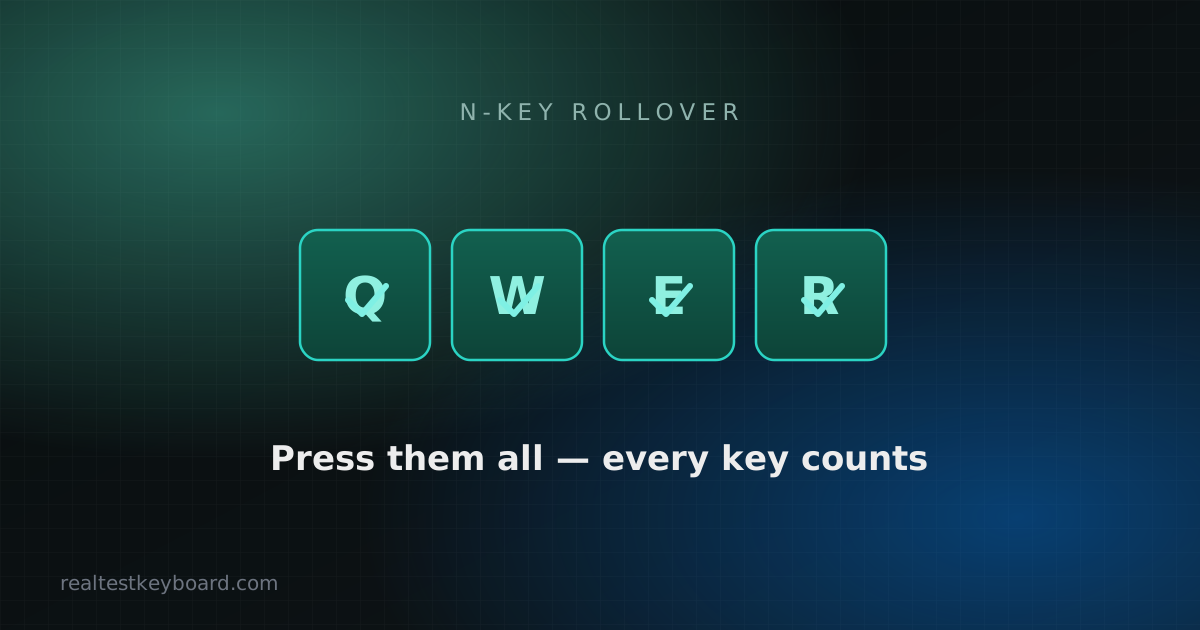
You don’t need software to find out where your keyboard gives up. Open the keyboard tester and try this: hold down three keys near each other — say Q, W, and E — and watch whether all three stay lit on screen. Then add a fourth and a fifth. Mash a whole handful of keys in one corner of the board. On a 6KRO keyboard you’ll watch the sixth or seventh key simply fail to appear. On an NKRO board, everything you press lights up, no matter how many fingers you throw at it.
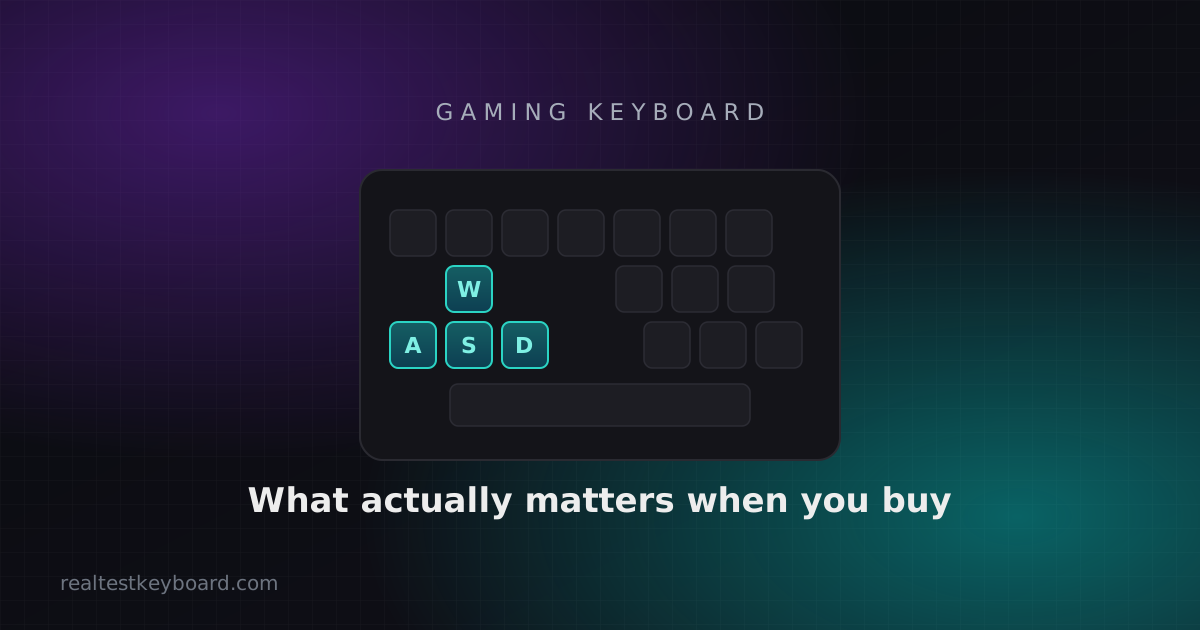
Test the combinations you actually use, not just random keys. A gamer should hold their real movement cluster (often W, A, S, D plus Shift and Space) and confirm every one registers together. If your jump key drops out while you’re holding two movement keys and sprint, you’ve just found the reason for those “the game ignored me” moments — and it’s the keyboard, not your reflexes. For a broader walkthrough of spotting faults, see our guide on how to test your keyboard.
What to look for when buying
If rollover matters for how you play, check the spec sheet for “NKRO” or “full anti-ghosting” rather than vague phrases like “gaming-grade.” Be aware of one quirk: some keyboards do full NKRO over PS/2 or a special USB mode but fall back to 6KRO in standard USB, so if a board offers an “NKRO toggle,” make sure it’s switched on. Mechanical gaming boards almost always include proper anti-ghosting — one more reason they dominate competitive play, as we cover in our gaming keyboard buying guide.
Ghosting is one of those problems that’s invisible until you test for it, and then obvious forever after. Spend two minutes pressing key clusters on the tester, and you’ll know exactly what your keyboard can and can’t keep up with.
Test every key directly in your browser
Detect stuck keys, key chatter, input latency, and full rollover with our instant, zero-download diagnostic tool.
Start Keyboard Test →