Table of Contents
Walk into the gaming-keyboard aisle and you’ll be sold on lights, “gamer” fonts, and features with names invented by a marketing team. Very little of it affects how you actually play. Strip away the theatre and a good gaming keyboard comes down to a handful of things that genuinely matter — and a few that are pure decoration you shouldn’t pay a premium for.
Switches: the foundation
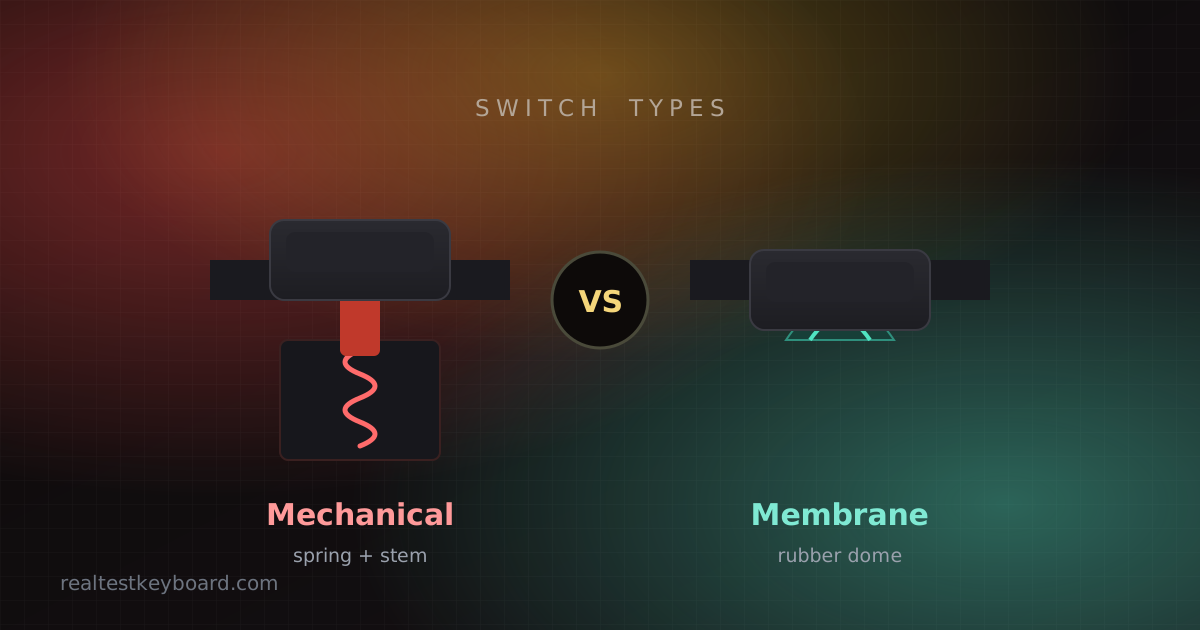
The switches under the keys shape everything about how the board plays. For gaming, most people want linear switches — smooth, no bump, fast to press repeatedly — or the “speed” linear variants that actuate a hair sooner. They’re quiet and let you spam movement and abilities without a tactile bump getting in the way. If you also type a lot, a light tactile switch is a fine compromise. The worst choice for a shared room is loud clicky switches, however satisfying they feel. We break the types down properly in the switch guide; the short version is that switch choice matters far more than any spec on the box.
Anti-ghosting and rollover
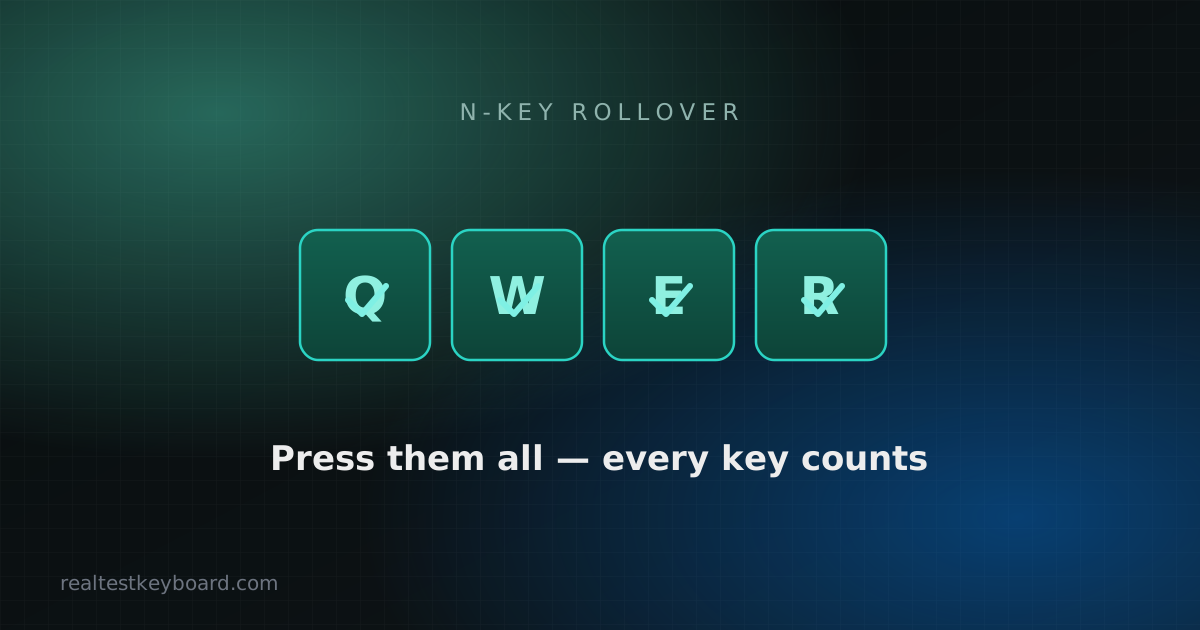
This is non-negotiable for gaming and easy to overlook. If your keyboard can’t register several simultaneous presses, it will drop inputs at the worst possible moment — you hold two movement keys, press a third, and nothing happens. Look for anti-ghosting or N-key rollover (NKRO) in the spec. Nearly every mechanical gaming board has it, but budget membrane “gaming” keyboards often don’t. It’s worth testing yourself on arrival, which we explain in keyboard ghosting and n-key rollover.
Polling rate: 1000 Hz is plenty
Polling rate is how often the keyboard reports to the PC. 1000 Hz (once per millisecond) has been the standard for years and is genuinely all you need. Some boards now advertise 4000 or 8000 Hz; the theoretical latency improvement is real but so small that no human will feel it, and it can add CPU overhead. Don’t let a huge polling number talk you into a worse keyboard in other respects.
Adjustable actuation: the one genuinely new feature
The most meaningful recent addition to gaming keyboards is the magnetic (Hall-effect) switch, which lets you set how far a key must travel before it registers — and re-arms the instant you lift, a trick usually called “rapid trigger.” For fast tap-and-release movement in shooters and rhythm games, that’s a real, feelable advantage rather than a spec-sheet bragging point. It costs more, so it earns its place only if you play the kinds of games where those milliseconds decide the fight; for everyone else, a good linear mechanical board is still excellent.
Size and layout
Form factor affects your game more than people expect. A tenkeyless (TKL) board drops the number pad, and a 60% or 65% board trims even further. Losing the number pad pulls your mouse hand closer to your keyboard hand, which is easier on your shoulder over long sessions and gives low-sensitivity players more room to swing the mouse. If you don’t crunch numbers, a smaller board is often the better gaming choice — more desk, less reach.
Build quality is what you feel every day
Two boards with identical switches can feel worlds apart depending on construction. Look for stabilised larger keys (a rattly spacebar gets old fast), a solid plate that doesn’t flex, and PBT keycaps rather than cheap ABS — PBT resists the greasy shine that ABS develops on your most-used keys within months. These are the details that separate a keyboard you still like in two years from one you replace.
Wired or wireless?
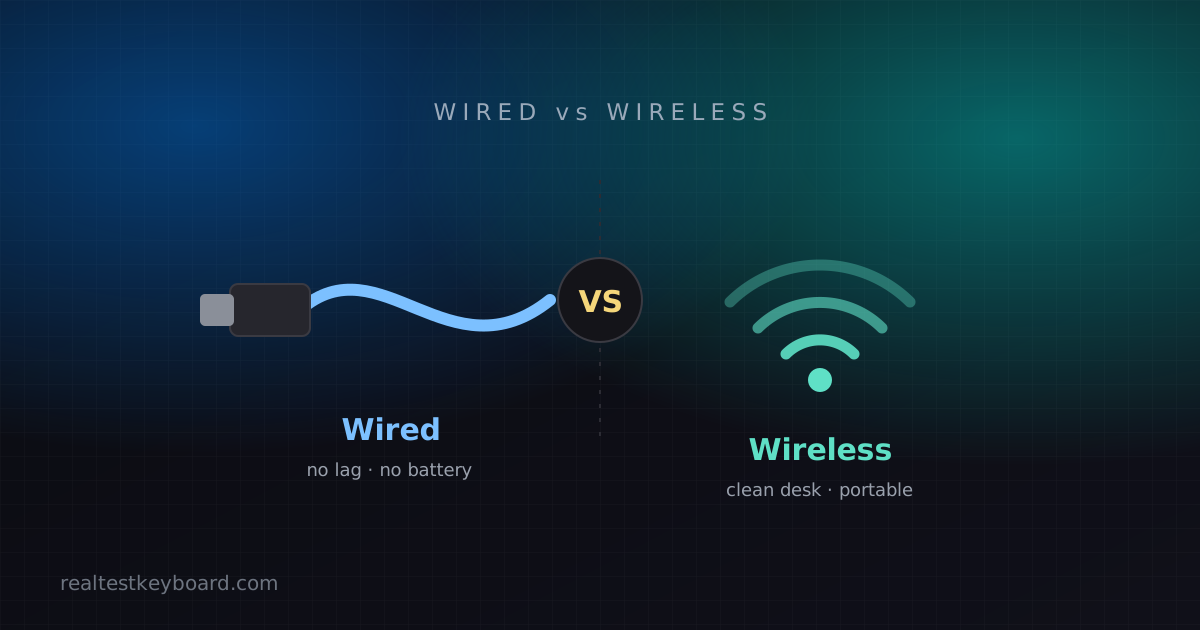
Both are viable for gaming now. Wired removes any doubt; a good 2.4 GHz wireless gaming board is effectively as fast and frees your desk. Bluetooth is the one to avoid for competitive play. The full trade-off is in our wired vs wireless comparison.
What you can safely ignore
RGB lighting is aesthetics, not performance — enjoy it, but don’t pay a big premium for it or believe it makes you faster. Dedicated macro keys are useful in MMOs and productivity but wasted for most shooters. “Gaming mode” switches that just disable the Windows key are a nice touch, not a reason to buy. And be skeptical of any exclusive feature with a trademarked name; if only one brand has it, it’s usually marketing.
Buy for switches, rollover, size and build, in that order, and you’ll end up with a keyboard that plays great regardless of how many lights it has. When it arrives, put it straight on the keyboard tester: confirm every key registers, hold your real movement cluster to check nothing ghosts, and make sure you got a clean unit before your return window closes.
Test every key directly in your browser
Detect stuck keys, key chatter, input latency, and full rollover with our instant, zero-download diagnostic tool.
Start Keyboard Test →