Table of Contents
Shopping for a keyboard quickly comes down to one big fork in the road: mechanical or membrane. The mechanical vs membrane keyboard debate shapes how a keyboard feels, how long it lasts, how much it costs and how much noise it makes at your desk. Neither is universally “best” — the right pick depends on how you type and where you type. This guide explains how each one works and compares them point by point so you can choose the better keyboard for typing.
How mechanical and membrane keyboards work
The core difference is what sits under each key.
Mechanical keyboards
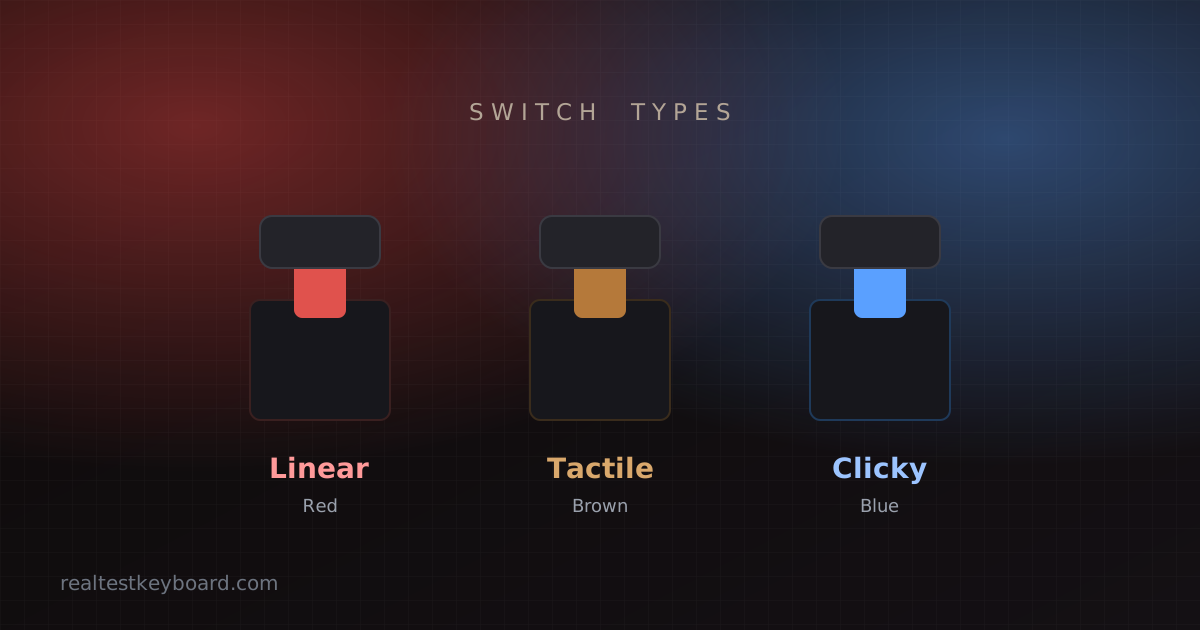
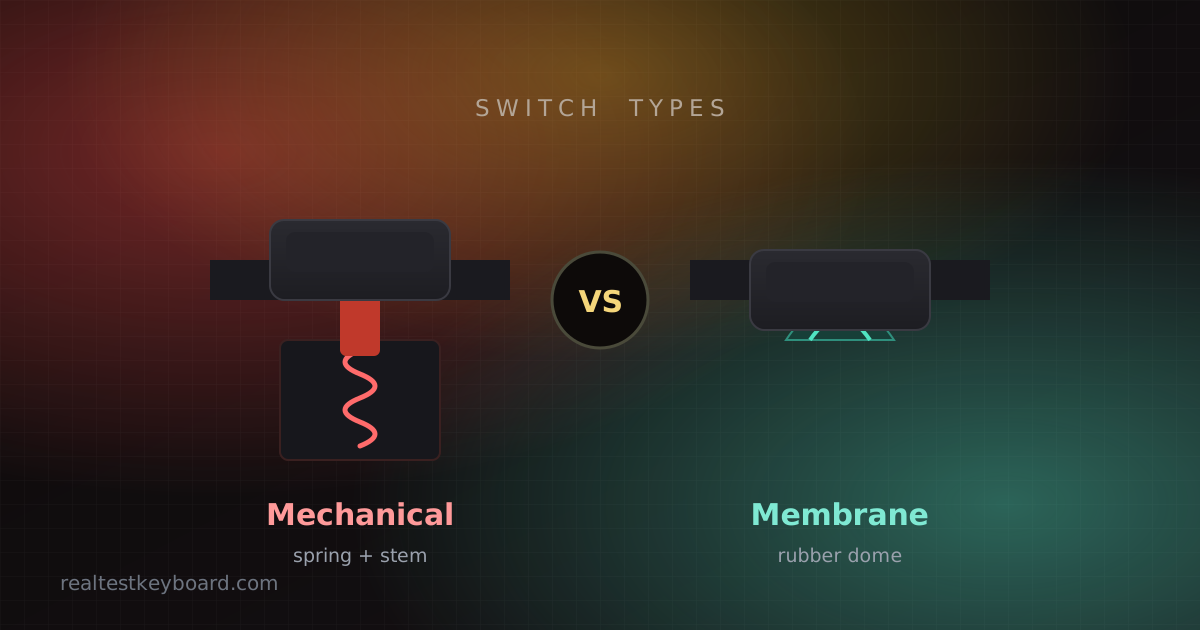
A mechanical keyboard puts an individual spring-loaded switch beneath every keycap. Each switch registers a press on its own, with a defined actuation point — the moment the key “counts.” Because every key is a discrete mechanism, presses feel crisp and consistent, and switches can be tuned for different sensations. If you want to go deeper on the colours and types, our beginner’s guide to mechanical switches breaks down linear, tactile and clicky options.
Membrane keyboards
A membrane keyboard uses a single flexible rubber or silicone sheet stretched under all the keys. Press a key and it pushes a small rubber dome down onto a contact layer to register the stroke. This design is cheap to manufacture and naturally quiet, which is why most budget keyboards and the majority of laptops use it. The trade-off is a softer, “mushier” feel that some typists find less precise.
Mechanical vs membrane: a head-to-head comparison
Here’s how the two stack up on the things that matter most for typing.
Typing feel and comfort
Mechanical keyboards give clear, consistent feedback — you can feel exactly when each key actuates, which many people find satisfying and less fatiguing over long sessions. Membrane keyboards feel softer and more cushioned, but that same squish can make it harder to tell whether a key has registered, leading to more missed or doubled presses.
Winner for feel: mechanical, for most typists.
Speed and accuracy
Because mechanical switches actuate at a defined point — often before you bottom out the key — experienced typists can move faster and more accurately without slamming every keystroke to the base. Membrane boards usually require a full press, which can slow you down. That said, a good membrane keyboard is perfectly capable, and technique matters far more than hardware for raw typing speed.
Noise
Membrane keyboards are quiet by nature, which makes them a comfortable choice for shared offices, libraries and late-night sessions. Mechanical keyboards range from quiet (linear or “silent” switches) to loud (clicky switches), so noise depends heavily on the switch you pick.
Winner for quiet: membrane, or a mechanical board with linear/silent switches.
Durability and lifespan
This is where mechanical keyboards pull clearly ahead. Quality switches are rated for tens of millions of presses per key, and a single worn switch can often be replaced. Membrane sheets wear out as a whole — once the domes lose their springiness or a contact fails, keys get unresponsive and the practical fix is a new keyboard.
Winner for durability: mechanical.
Price
Membrane keyboards are far cheaper and widely available, making them the default for tight budgets and bulk office deployments. Mechanical keyboards cost more up front, though prices have dropped sharply and entry-level models are now very affordable.
Winner for price: membrane.
Maintenance and repair
Mechanical keyboards are easier to clean deeply — keycaps pull off, and hot-swappable models let you replace a single switch without soldering. Membrane keyboards are harder to service; when something fails inside the sheet, repair usually isn’t worth it.
Winner for repairability: mechanical.
So which is better for typing?
For dedicated typing — long documents, coding, writing — a mechanical keyboard is usually the better choice. The consistent actuation, tactile feedback and long lifespan reward the hours you spend at the keys, and a tactile switch (such as a brown) gives clear feedback without the noise of a clicky one.
That said, a membrane keyboard is the smarter pick when budget is tight, when silence is essential, or when you simply want a low-fuss keyboard that works. A well-built membrane board can serve you reliably for years.
Which keyboard should you choose?
Match the keyboard to your situation:
- Heavy typist, writer or programmer → mechanical with tactile switches.
- Gamer → mechanical with linear switches for fast, quiet repeated presses.
- Shared or quiet space on a budget → membrane, or mechanical with silent switches.
- Occasional or casual use → a good membrane keyboard is plenty.
If you type a lot, it’s also worth investing in your technique alongside your hardware — our tips to type faster apply whichever keyboard you land on.
Test any keyboard before you rely on it
New keyboard, mechanical or membrane? Confirm every key works before you trust it with real work. Run a quick keyboard test: press each key, watch it register on screen, and check the per-key counter for chatter. A worn switch or a faulty dome shows up immediately — far better to catch it on day one than mid-project a month later.
Conclusion
In the mechanical vs membrane keyboard question, mechanical wins on feel, durability and repairability, while membrane wins on price and quiet. For serious typing, a mechanical keyboard with tactile switches is hard to beat; for budget-conscious or noise-sensitive setups, a quality membrane board does the job well. Decide based on how and where you type — then test your new keyboard and put it to work with a typing speed test.
Test every key directly in your browser
Detect stuck keys, key chatter, input latency, and full rollover with our instant, zero-download diagnostic tool.
Start Keyboard Test →